About electerm
Learn about the products in the electerm ecosystem.
electerm Online
electerm online is a free online service for electerm. Use all of electerm's features in your browser without installing any software. It is a free public service.
Features:
- Multi-protocol support — SSH, SFTP, RDP, VNC, SPICE, Telnet, FTP
- AI Assistant — Works with any OpenAI-compatible LLM API. Generate commands, explain commands, generate scripts, create bookmarks from natural language, and run tasks directly in Agent mode
- Multi-language support — 🇺🇸 🇨🇳 🇧🇷 🇷🇺 🇪🇸 🇫🇷 🇹🇷 🇭🇰 🇯🇵 🇸🇦 🇩🇪 🇰🇷 🇮🇩 🇵🇱
- Data sync — Sync data to GitHub Secret Gist, Gitee Secret Gist, electerm Sync Cloud, custom server, or WebDAV
- Quick operations — Quick commands, mirror input, multi-window layout, drag files between different SFTP sessions
- Themes & customization — Many built-in themes from iTerm themes. Support custom themes and custom CSS
- Double-click to edit remote files
- Full SSH features — Agent forwarding, port forwarding, X11 forwarding, SSH tunneling, connection hopping, and more
- Import electerm desktop data directly, including bookmarks
Sign in with your GitHub account to get started. Completely free. Your data is stored securely, and SSH connections are proxied through a secure relay.
electerm Desktop
electerm is an open-source, cross-platform terminal emulator, SSH client, SFTP client, and remote desktop tool. Supports Windows 7+(X64/ARM64), macOS 10.15+(x64/arm64), Linux(x64/arm64/Loong64), and even old Linux with glibc 2.17+ like UOS/Kylin/Ubuntu 18.04, as well as Android, HarmonyOS, and iOS.
Key features:
- Works as a terminal/file manager or SSH/SFTP/FTP/Telnet/serial port/RDP/VNC/Spice client
- Global hotkey to toggle window visibility (similar to guake, default is
ctrl + 2) - Multi-language support (🇺🇸 🇨🇳 🇧🇷 🇷🇺 🇪🇸 🇫🇷 🇹🇷 🇭🇰 🇯🇵 🇸🇦 🇩🇪 🇰🇷 🇮🇩 🇵🇱)
- Double-click to directly edit (small) remote files
- Auth with publicKey + password
- Support Zmodem (rz, sz)
- Support SSH tunnel
- Support Trzsz (trz/tsz), compatible with tmux
- Transparent window (Mac, Win)
- Terminal background image
- Global/session proxy
- Quick commands
- UI/terminal theme
- Sync bookmarks/themes/quick commands to GitHub/Gitee secret gist/WebDAV/custom server/electerm cloud
- Quick input to one or all terminals
- AI assistant integration (supporting DeepSeek, OpenAI, and more)
- MCP (Model Context Protocol) widget for AI assistants and external tools integration
- Deep link support
Download from the official website, or install via Homebrew, Snap, winget, scoop, npm, and more.
electerm Web
electerm web is a web app version of electerm. You need to deploy it yourself. For single user use only.
If you want to run electerm's web version on your own server, you can use electerm web.
Support electerm
electerm is an active open-source project. Contributions, bug reports, and suggestions are welcome.
- GitHub Repository
- Community Discussions
- Sponsor electerm
- electerm Cloud — Data sync service to keep your bookmarks, themes, and settings synchronized across devices
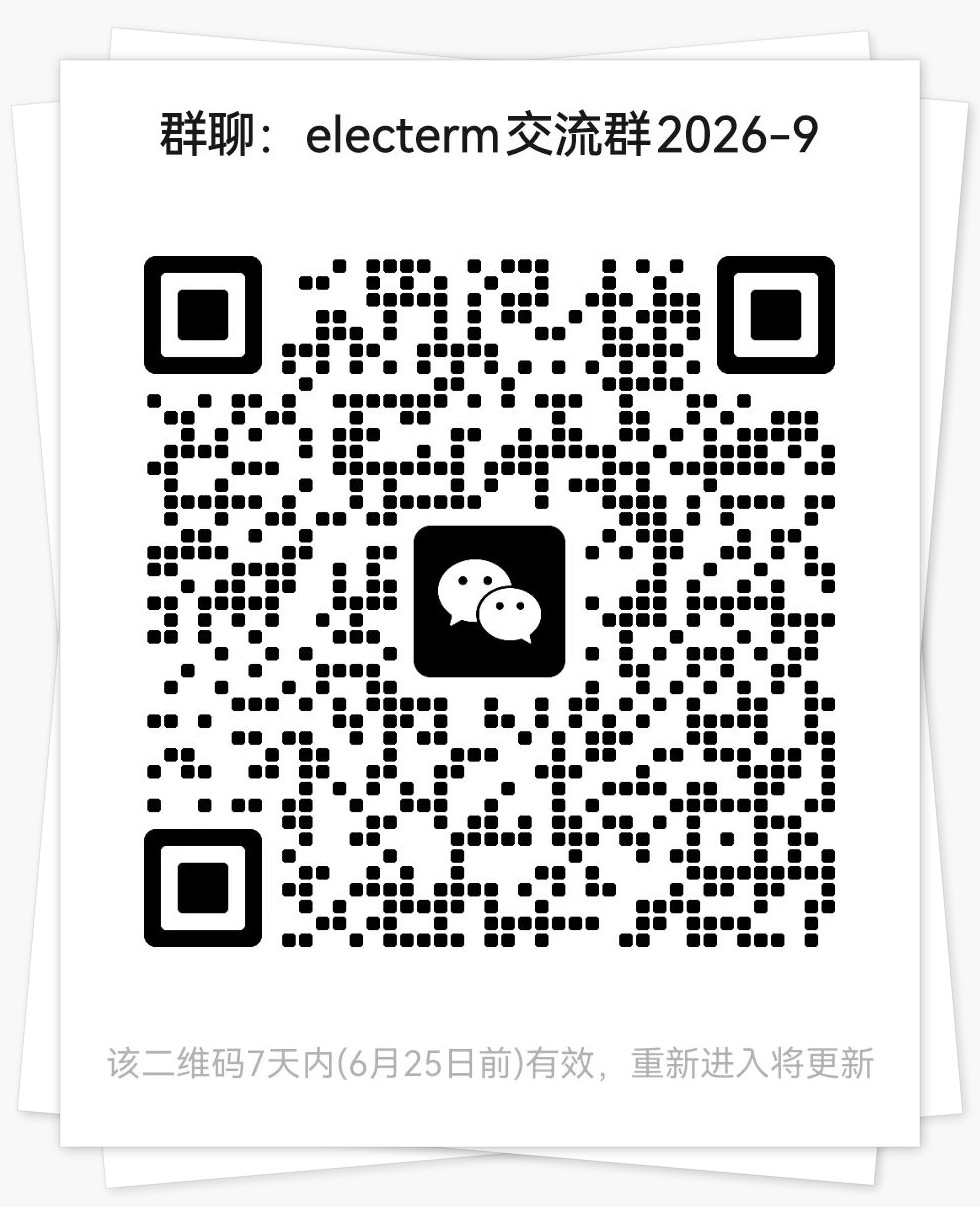
WeChat users can scan the QR code to join the electerm WeChat group: